
Health & platform
It fits where you already live.
Apple Health, the Lock Screen, Siri, and a passkey instead of a password.
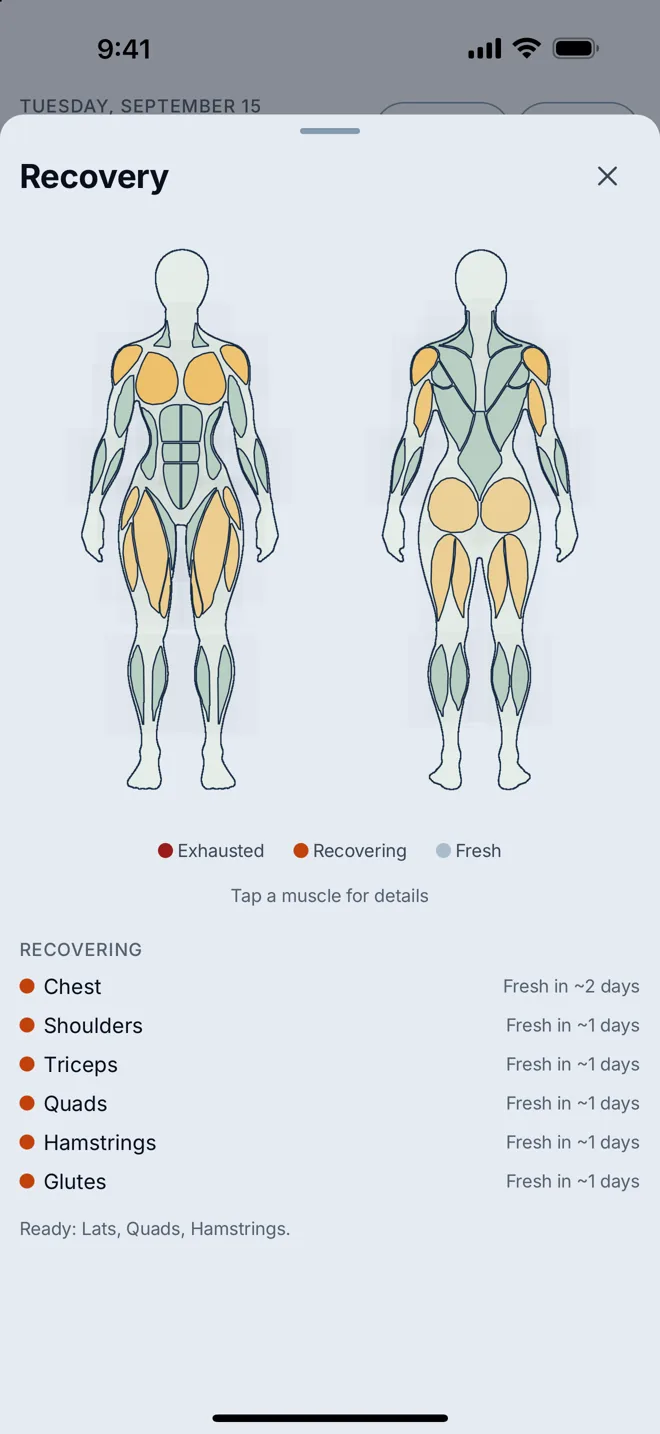
Reads and writes Apple Health.
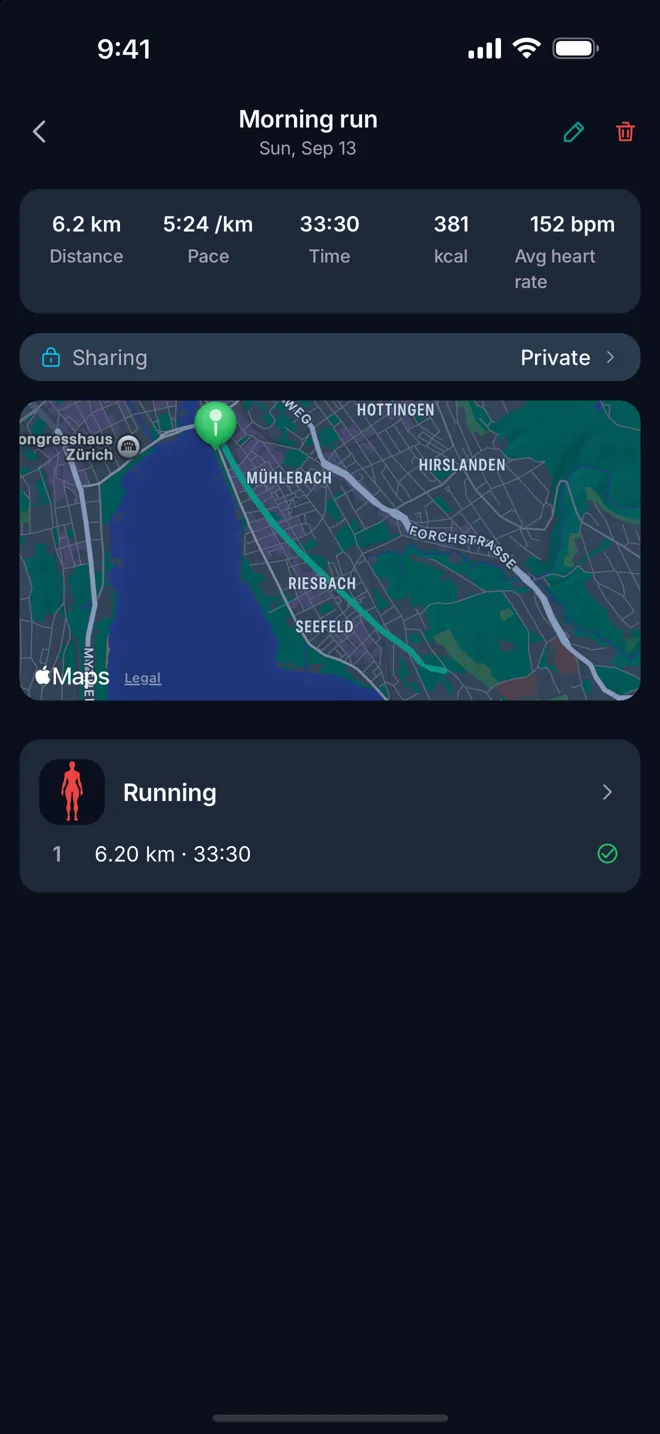
Workouts, water, nutrition, weight and body fat go out; steps, active energy, sleep, resting heart rate, HRV and other apps' workouts come in.
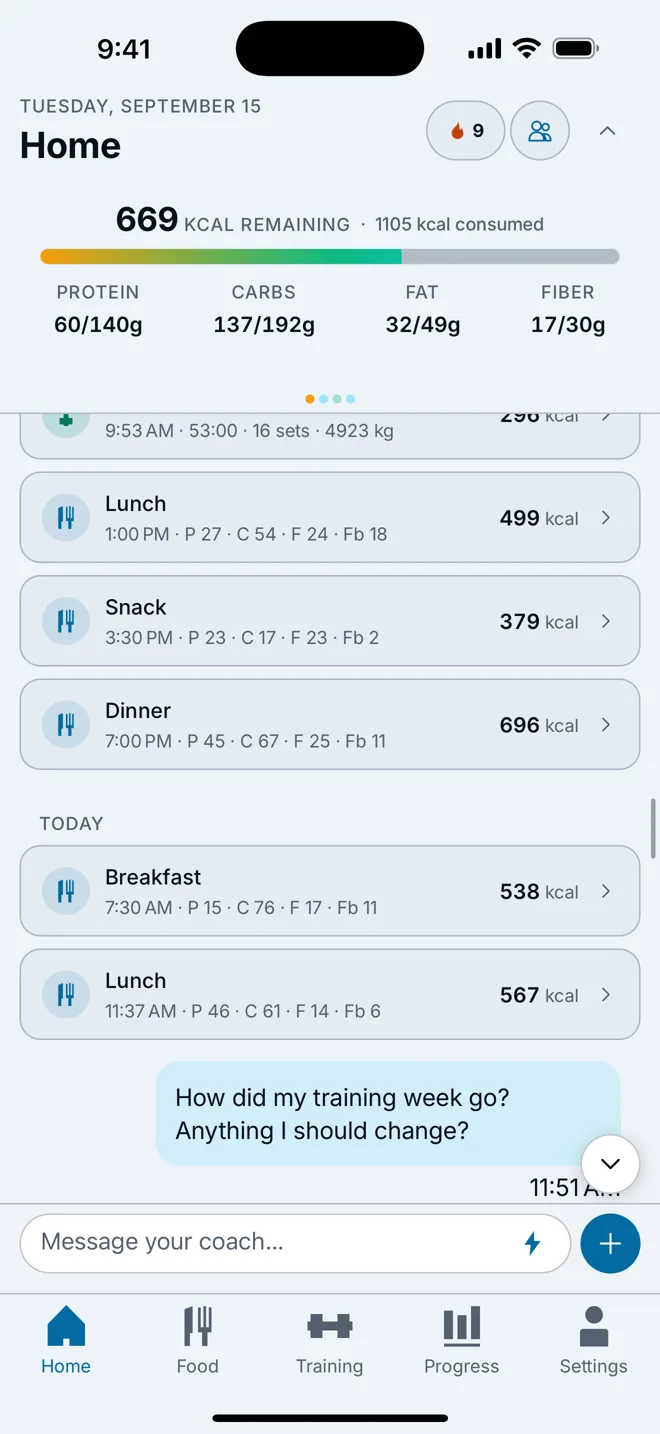
Calories on the Home Screen.
A small, medium or Lock Screen widget with today's number and a button that logs a glass of water without opening anything.
Sign in with a face, not a password.
An emailed code, Sign in with Apple, or a passkey with Face ID or Touch ID. There is no password to leak.
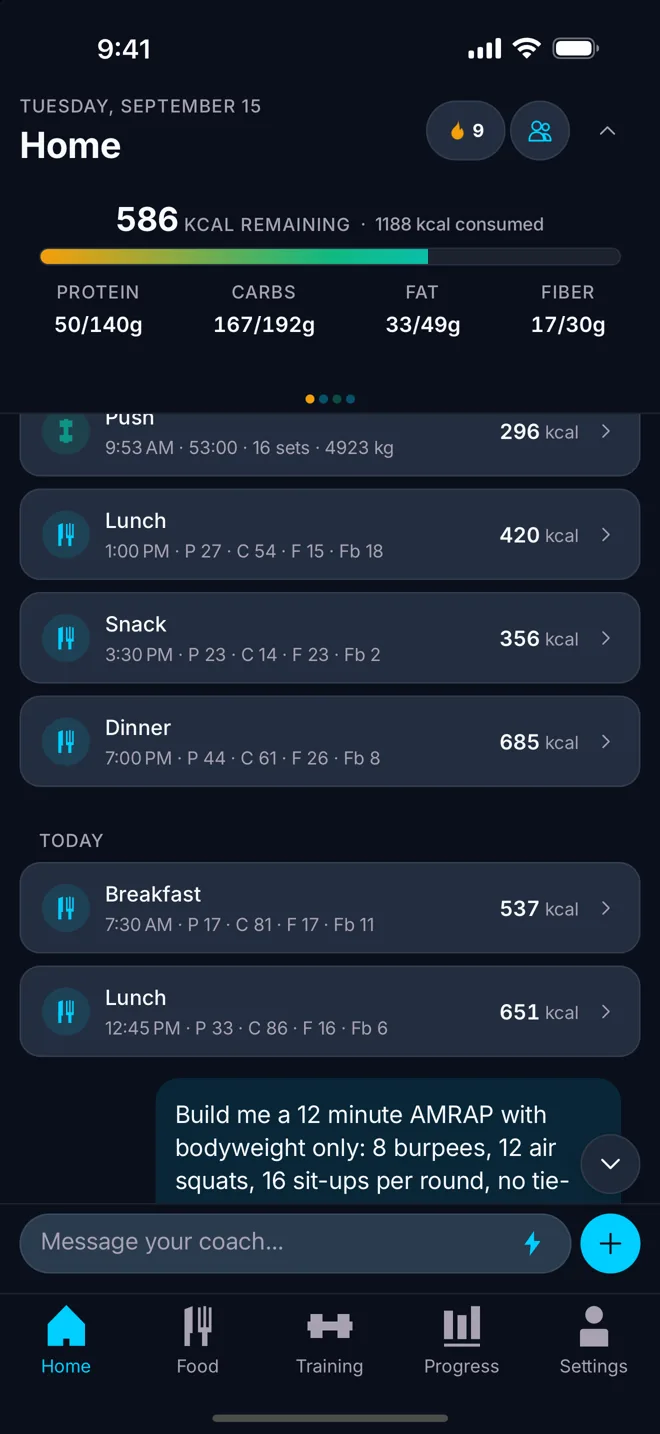
Siri shortcuts
Log water, log weight, start a workout.
3
Quick actions
Long-press the icon: train, scan, log.
Live Activities
Rest timer, run, ride, sport, fasting.
CSV
Imports
Apple Health, Fitbod, Fitness Point, generic CSV.
ZIP
Export everything
CSV and JSON, in one download.
Offline first
Log now, sync when there is a connection.
Health and platform in detail
Everything on this page is in the app today.
Apple Health, in both directions
What goes out: workouts, water, nutrition energy with protein, carbohydrate and fat, body weight and body fat percentage. What comes in: steps, active energy, sleep, resting heart rate, heart-rate variability, live heart rate during a session, and workouts recorded by other apps — so a run logged in someone else's app still counts towards your week here.
Every type has its own switch in Settings under Apple Health, grouped by what it does, and there is a history import for the data that was there before you arrived. Beyond Apple Health, the app imports from a Fitbod CSV, a Fitness Point CSV and a generic CSV, because leaving an app you have used for two years should not mean leaving two years of training behind.
Outside the app
The Home Screen widget shows today's calories in a small or medium size and on the Lock Screen, with a button that logs water in place. Long-pressing the app icon offers three quick actions: start training, scan food, log food. Siri App Intents cover logging water, logging weight and starting a workout, so those three can be done without touching the screen at all.
Live Activities carry the rest timer, a run or ride in progress, a sport session and a fasting window, which means the thing you are currently doing is on the Lock Screen and in the Dynamic Island while the phone is away.
There is a social side — following people, kudos, comments, a share card and a QR code for finding friends — and it is entirely optional. Nothing about your diary or your training is visible to anyone else unless you make it so.
Sign-in, privacy and where the data sits
There is no password. You sign in with a code sent to your email address, with Sign in with Apple, or with a passkey unlocked by Face ID or Touch ID. A password that does not exist cannot be reused, phished or leaked in someone else's breach. You can also start without an account: “Continue without account” creates a guest profile with no email address, tied to this iPhone. Link an email address or Apple ID later to keep your data and sign in on other devices. A guest profile that goes unused for 90 days is deleted automatically and permanently, entries and photos included.
The app is offline-first: what you log is written on the device and synced when there is a connection, so a basement gym is not a reason to lose a session. Food search and the photo scan are the two things that genuinely need the network.
The privacy policy is written under Swiss and EU law. Some processors we rely on may sit outside Switzerland and the EU, covered by the EU-US Data Privacy Framework or standard contractual clauses; we do not claim EU-only hosting, because it would not be true. There is no advertising in the app and no advertising SDK in it.
Taking your data with you, or taking it away
The export is a single ZIP containing both CSV and JSON: your profile, your weight history, your full food diary and your workouts. It is generated on request and downloaded once — a real export, not a summary.
Deleting your account is done in the app, under Settings, Profile, Delete account. If your account has an email address, you confirm with a six-digit code sent to it; a guest profile is deleted without a code. Either way the deletion is permanent: the data is removed, not flagged as hidden. Both of those are in the app rather than behind a support ticket, which is how it should be and, for deletion, how the App Store requires it.
Cancelling a Premium subscription is different, and is not something any app can do for you: subscriptions are managed by Apple, so cancelling happens in the App Store subscription settings. Access continues until the end of the period you have already paid for.
The app is built in Switzerland, in English, German, French and Italian, with metric or imperial units and a System, Light or Dark appearance. It is iOS-only for now, and we would rather say that plainly than list an Android version that does not exist.